- Author: Salah Fatima
Date: Oct 28, 2025 - Category : 2D Animation, Animation Studios



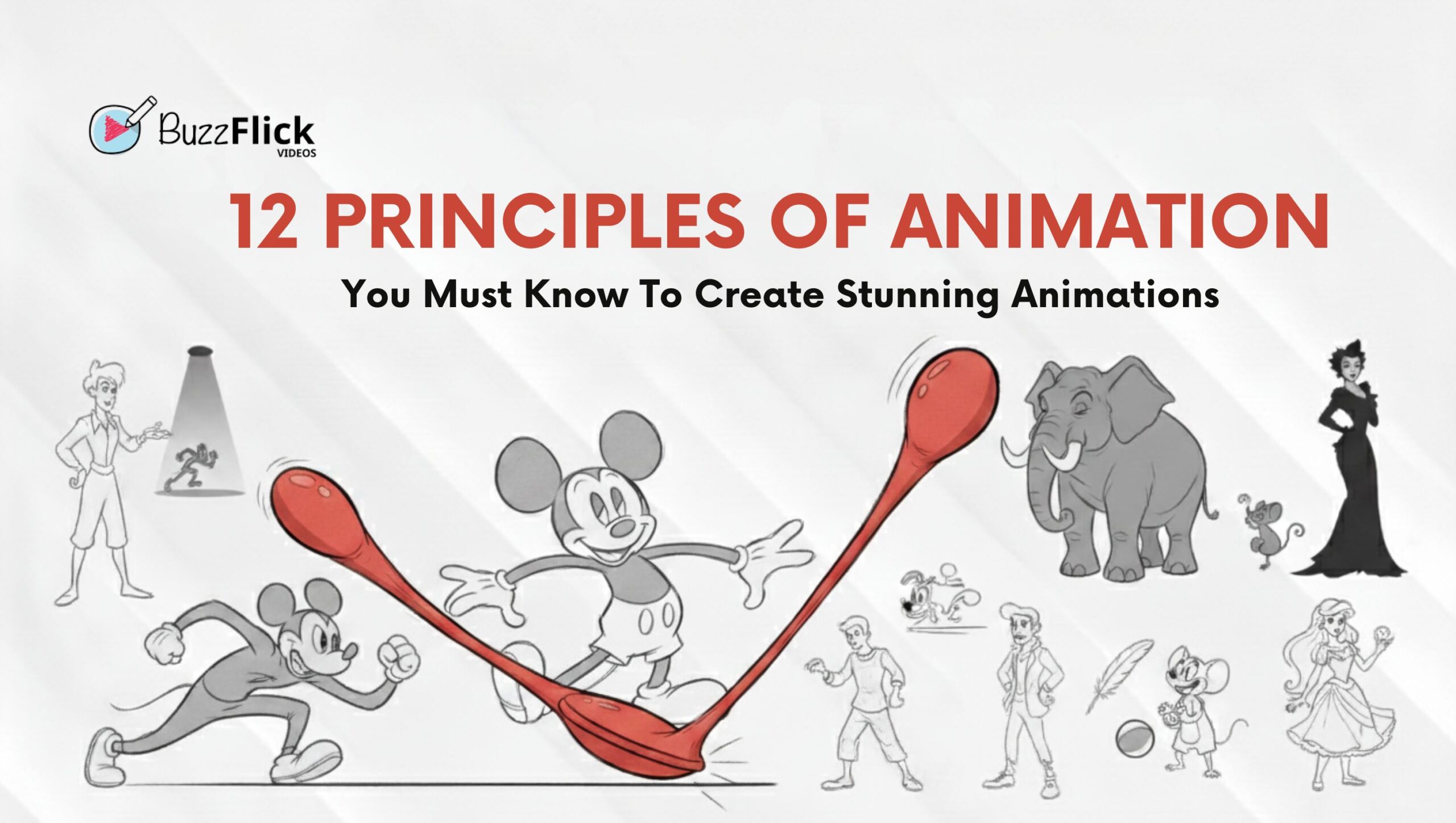
Seriously, have you ever watched a cartoon character and thought, “That bounce, that fall, that gasp… it just looks perfect”? That isn’t luck. It is science, physics, and a whole lot of creative genius distilled into 12 principles of animation.
Consider the principles of animation to be the ultimate cheat sheet, or behavioral laws of motion, that take a bunch of drawings and animate them into life. These are the whispers of the original gods of the craft at Disney.
Ready to stop drawing stiff, awkward moves and start animating performances that pop? Good. Let’s dig into the essential history and every single one of the 12 principles of animation.
Before these rules were cool, Disney was just trying to figure out why their early characters looked like rubber dolls on a sugar rush. They needed to give their stars, Mickey, Goofy, and the whole squad, weight, personality, and soul.
The 12 principles of animation were born from decades of trial and error by Disney’s core team, the legendary “Nine Old Men.” Two of those legends, Ollie Johnston and Frank Thomas, finally wrote it all down in their 1981 masterpiece: The Illusion of Life: Disney Animation.
They were distilled from decades of practice at Walt Disney Studios, teaching animators how to give characters personality and mass, achieving the ultimate goal: the illusion of life.
And guess what? These are the principles that the entire industry is of motion graphics built on, from hand-drawn classics to modern-day CGI blockbusters. Time to meet the stars!
We’ll break down each of the 12 principles of animation with examples so you know what they are, why you need them, and how to actually use them, no fluff, just fire!
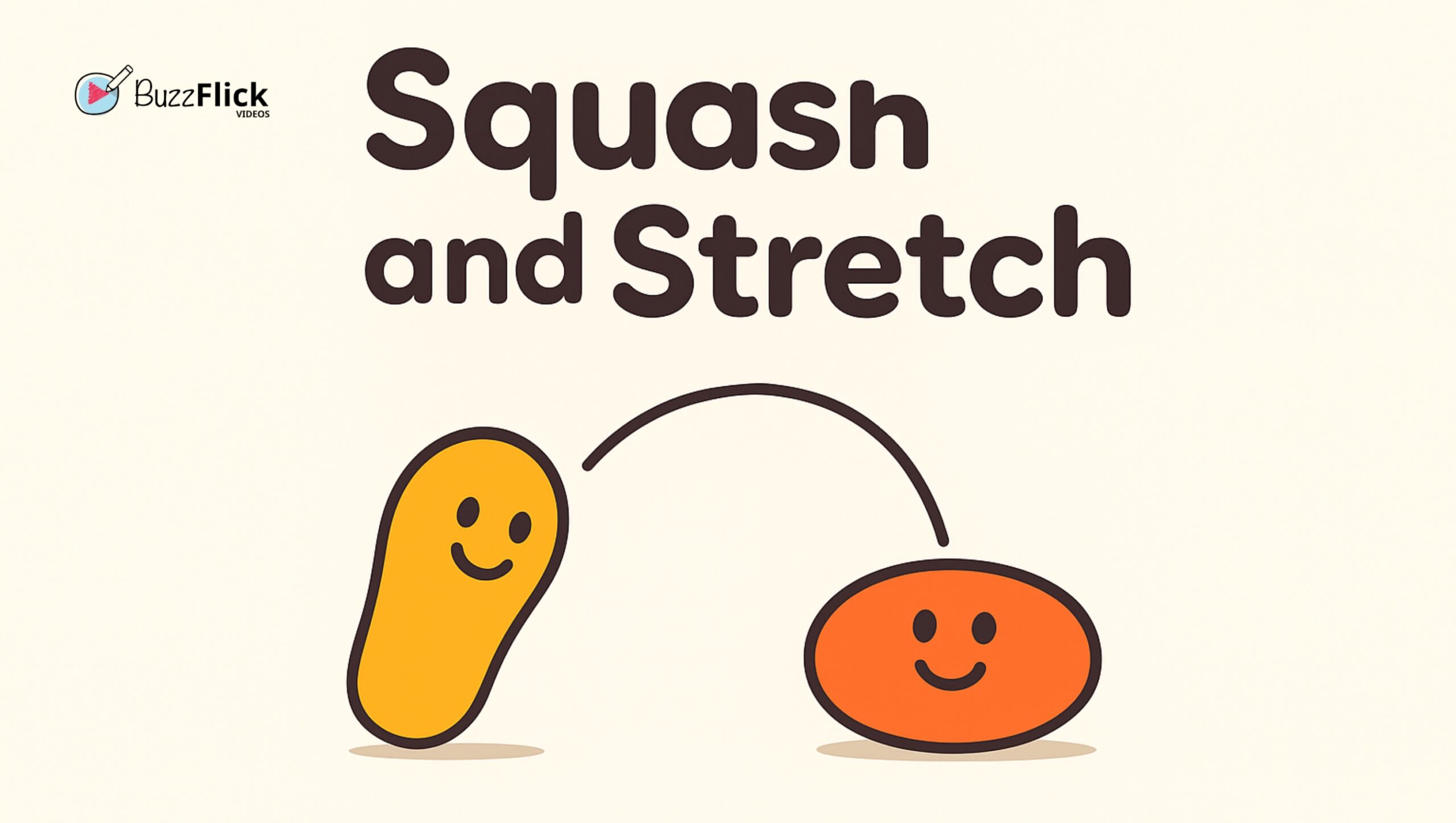
The Vibe: The MVP. It’s all about making things look squishy, rubbery, weighty, or rigid.
The Quick Take: When a ball hits the floor, it squashes (widens and flattens). When it rockets back up or flies through the air, it stretches (gets longer and narrower). This tells the audience the object has mass and flexibility. Use it on a character’s face to show surprise or pain!
Pro Tip: The Unbreakable Volume Rule. You can stretch your character halfway across the screen, but you can never alter the total volume. If you increase their height by two, you have to reduce their width by two. Break this, and your character looks like they’re inflating. Don’t break this principle of animation.
| Best For | Watch Out For |
| Exaggerating impact, showing speed, and giving a cartoony personality. | Breaking the Volume Rule (stretching without contracting width), which makes the object appear to be inflating/deflating. |
Example: The bouncing ball and the stretchy, elastic characters in early Mickey Mouse cartoons.
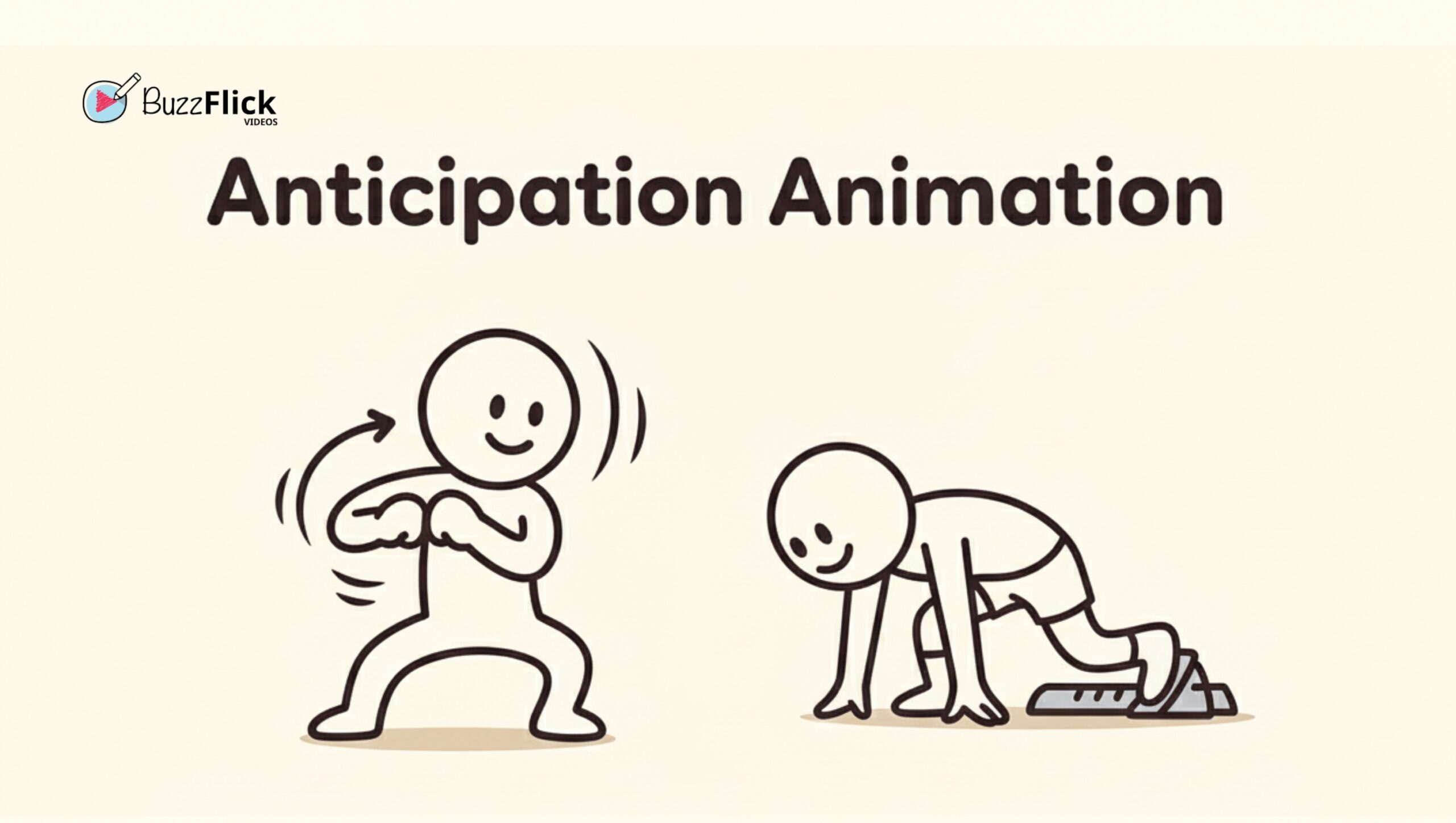
The Vibe: The “Ready, Set, Go!” moment.
The Quick Take: This is the small action that precedes a big action. Before a pitcher throws the ball, they wind up. Before a character leaps, they crouch down. This little movement is the anticipation animation. It prepares the audience, directs their eye, and makes the actual action more powerful.
Pro Tip: Control the Drama. A long, slow wind-up (anticipation) builds suspense or comedy. A tiny, fast, almost-missed anticipation is great for surprise or a character being sneaky. You must use the anticipation skill in animation to sell the movement.
| Best For (Pro) | Watch Out For (Con) |
| Making the main action feel powerful, deliberate, or dramatic. Essential for selling weight and effort. | Skipping it entirely (making motion sudden/robotic) or making it too long for quick, sudden action. |
Example: You have a character drawing their arm back before they throw the punch, or a runner crouching low before their sprint.
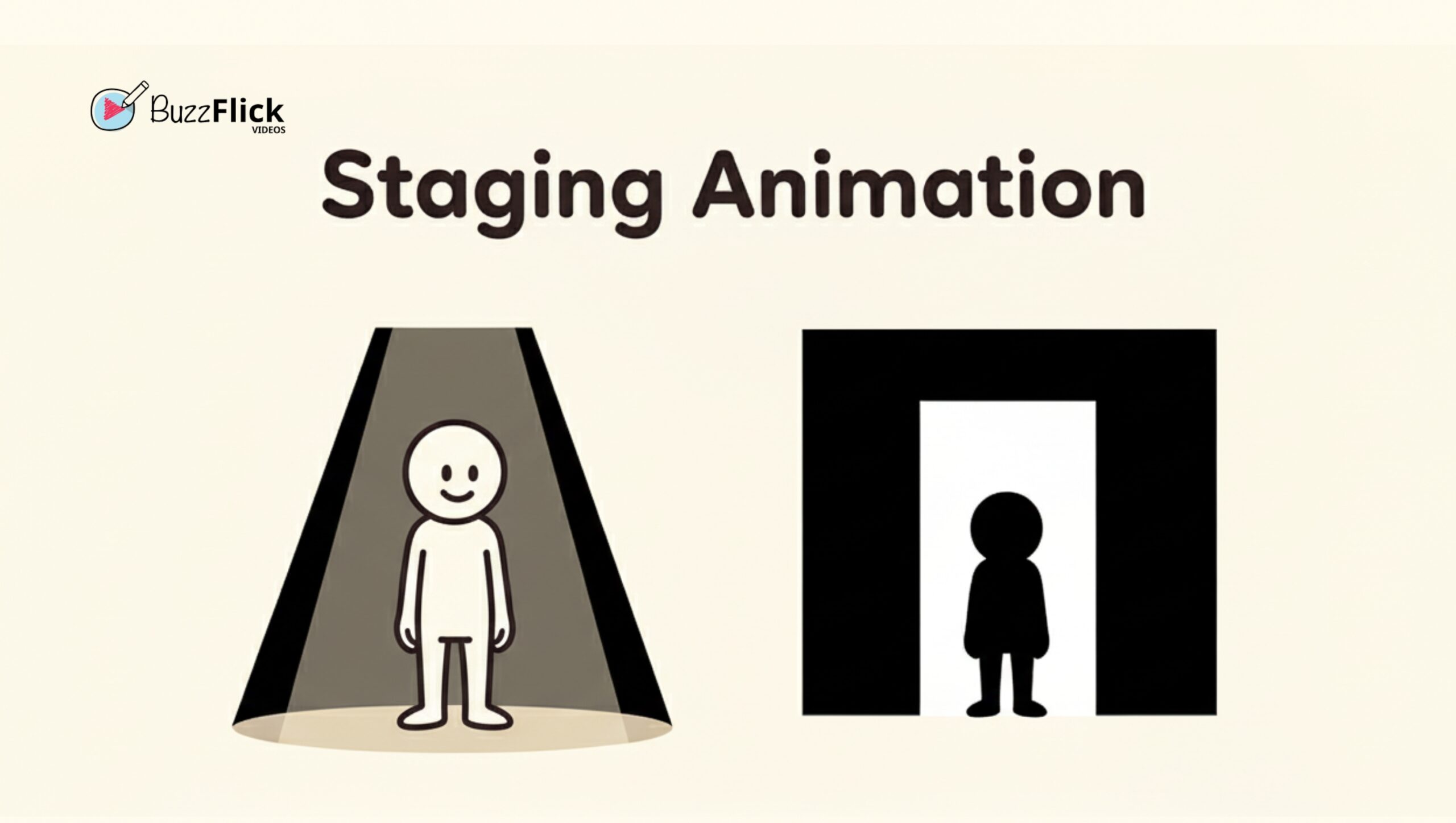
The Vibe: You’re the director, baby!
The Quick Take: Staging in making 3D animation is the art of presenting your key action so the audience cannot miss it. This means using clear camera angles, simple backgrounds, lighting, and deliberate character poses. You want a clear silhouette and a defined focal point.
Pro Tip: Ruthless Decluttering. Remove anything that does not further the main event. If your hero is about to grab the magic sword, do not have a background character juggling flaming torches. Staging animation demands simplicity and focus.
| Best For | Watch Out For |
| Guiding the viewer’s eye, making an emotional moment clear, or focusing on a critical prop. | Cluttering the background or using the wrong camera angle which make the audience miss the main point. |
Example: A character entering a spotlight or standing perfectly framed against a contrasting doorway, as often seen in Snow White and the Seven Dwarfs.
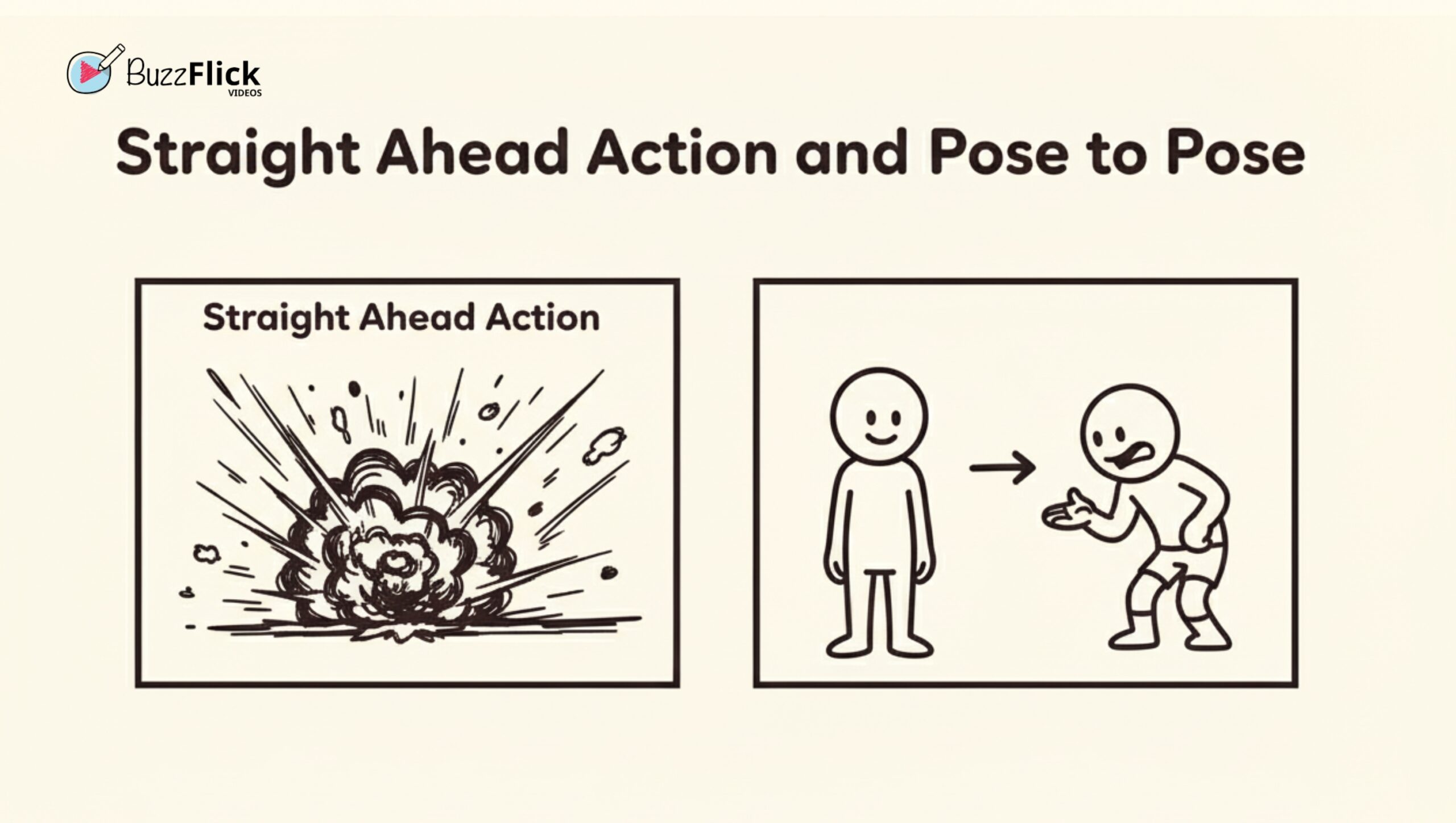
The Vibe: Two ways to cook one meal.
The Quick Take: These are two techniques for drawing:
| Best For | Watch Out For |
| Fluid, chaotic, unpredictable action (fire, water, a dizzy wobble). High spontaneity. | Difficult to maintain consistent character proportions or hit an exact final pose. |
| Deliberate, clear, structured movement (dialogue, heavy lifting). Precise control. | It can appear stiff or jumpy if the timing (spacing) is done poorly. |
Example: Using Pose to Pose for more clear, key poses in a dialogue scene while using Straight Ahead for an animated, dynamic effect such as an explosion.
The Vibe: Physics is your friend!
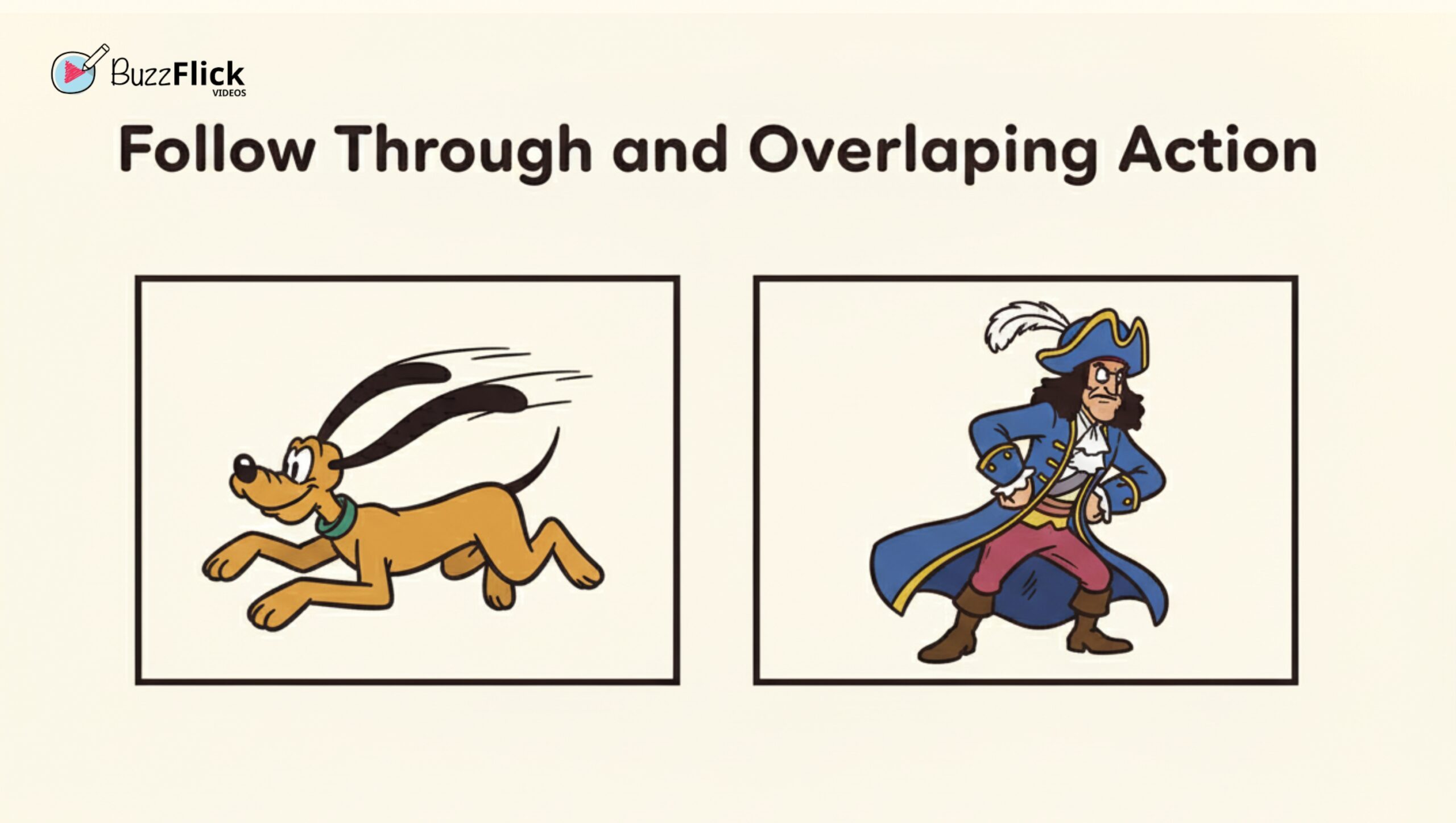
The Quick Take: This essential animation principles combo stops your characters from looking like robots. Follow Through and Overlapping Action means that when a character stops, not everything stops at once.
Follow-through is the cape, hair, or floppy ears continuing to move after the main body has stopped.
Overlapping Action is the idea that different parts of the body move at different rates (the hips might lead, the chest follows, the head lags).
Pro Tip: The “Lagging” Principle. Identify the “lead” part of the body (e.g., the head) and the “lagging” parts (e.g., hair, loose clothes). The lagging parts must start moving later, move faster for a moment, and stop later than the lead. This mastery of follow through and overlapping action is a hallmark of truly pro work.
| Best For | Watch Out For |
| Preventing characters from feeling robotic; adding drag and realism to hair, capes, and tails. | Making the “lagging” elements move at the same time or rate as the main body—this defeats the purpose of the principle. |
Example: Pluto’s floppy ears or Captain Hook’s long, heavy coat in Peter Pan.
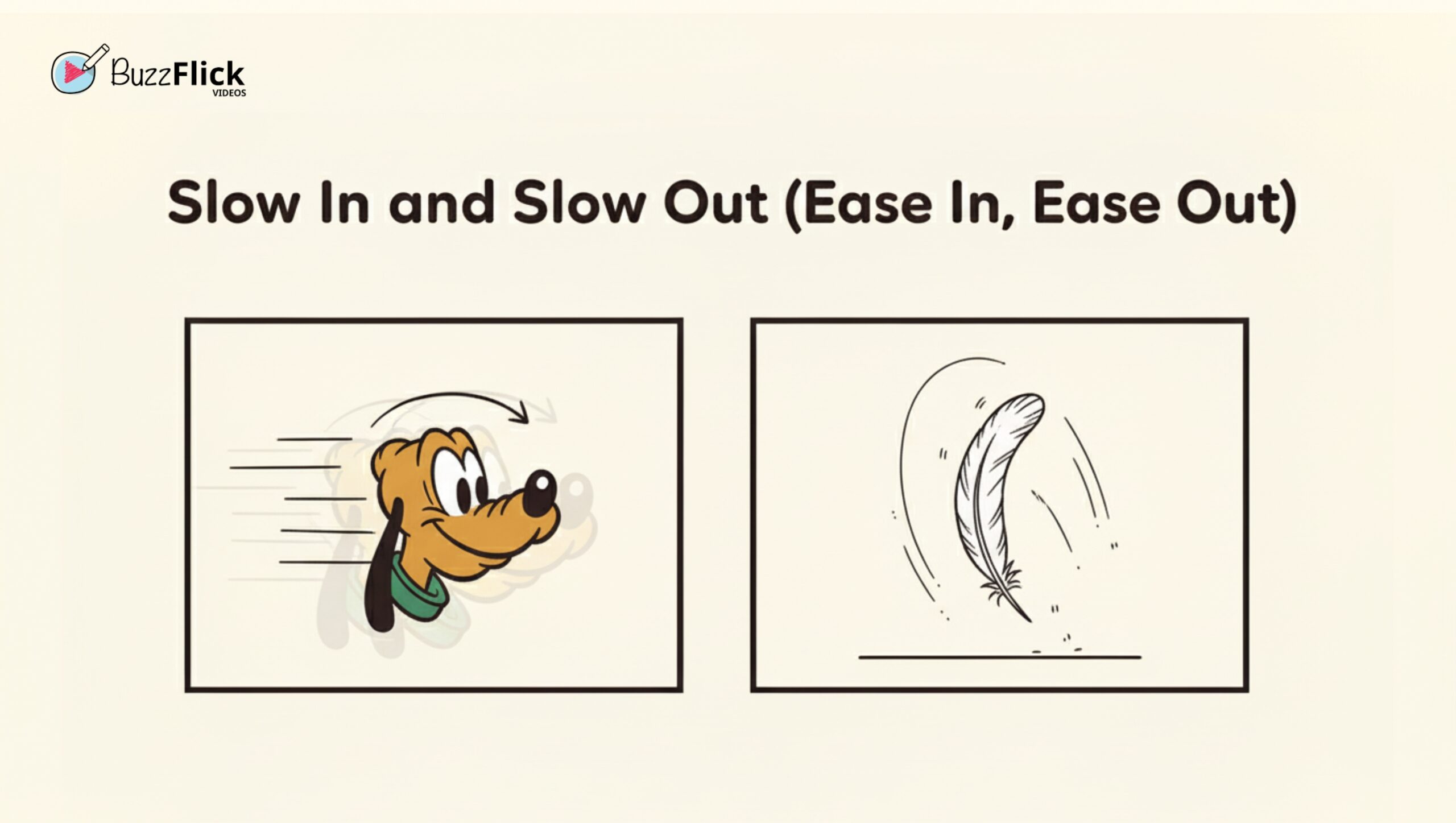
The Vibe: Nobody just goes from 0 to 100, immediately.
The Quick Take: Just like a car or pendulum, animated objects require acceleration (Slow Out/Ease Out) and deceleration (Slow In/Ease In).
Pro Tip: By putting more frames at the beginning and end of movement, you’ll give the illusion of weight and a gradual process of change in speed.
| Best For | Watch Out For |
| Adding weight, selling effort (heavy object stopping/starting), and giving movement a natural feel. | Using movements that should feel sudden (like a light switch, an explosion, a quick gag) makes the action feel slow and dull. |
Example: A slow, dramatic, deliberate turn of a character’s head or the gentle floating of a feather in a light breeze.
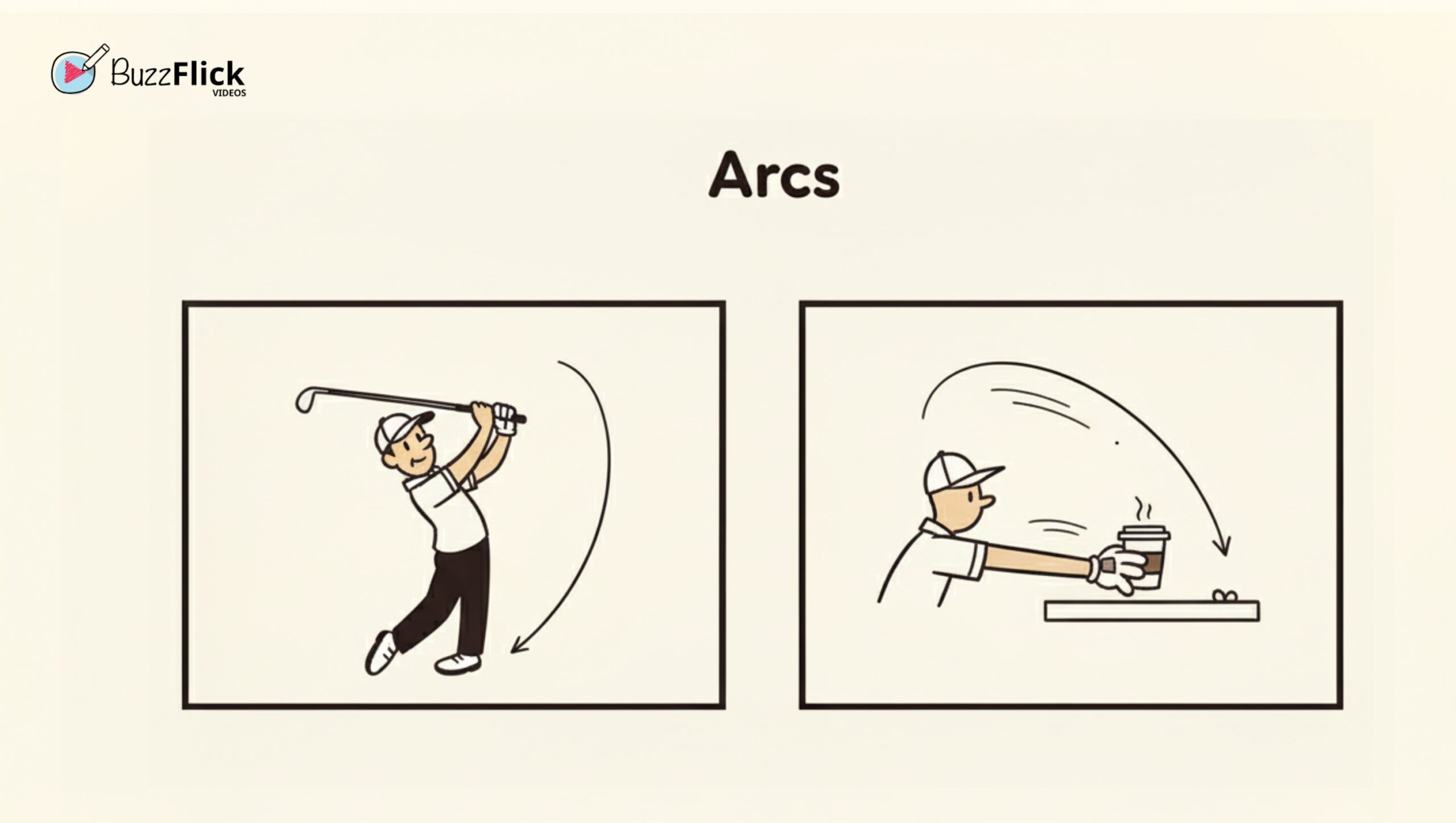
The Vibe: Movement is curvy, never boxy.
The Quick Take: Everything in nature moves in an arc—a curved path. The swing of an arm, the turn of a head, or a character jumping. Using this principle of animation creates smoothness and naturalism.
Pro Tip: Trace Your Path. Literally draw a light arc on your animation sheet or use the visual path tools in your 3D software. Ensure the moving object hits consistent points along that arc.
| Best For | Watch Out For |
| Creating smooth, graceful, and natural-looking motions for limbs and objects in space. | Allowing movements to “hitch” or use straight, rigid lines, which makes the character look mechanical or broken. |
Example: The smooth swing of a golf club or the path of a character’s hand reaching for a cup.
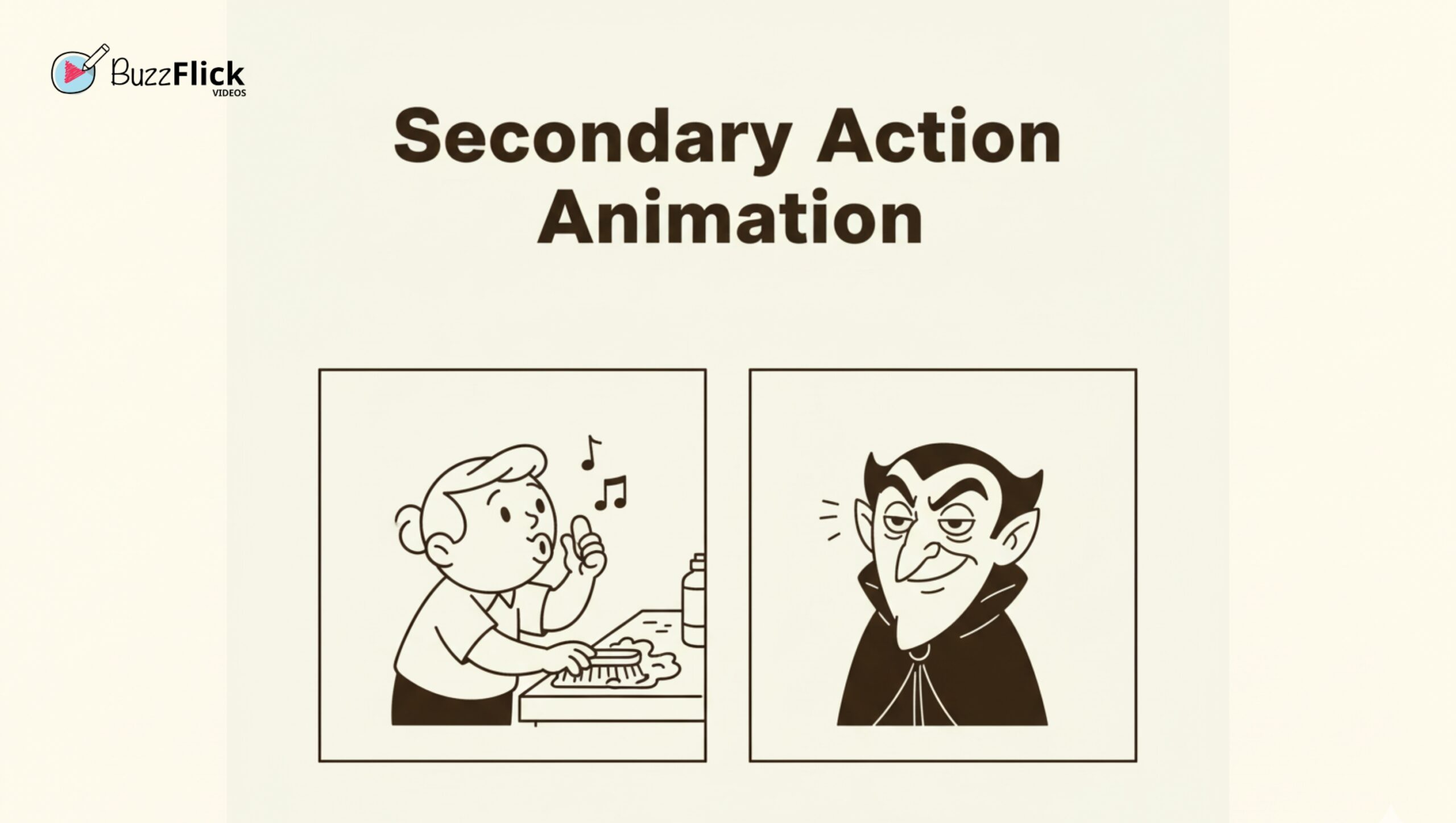
The Vibe: The subtle details that tell the real story.
The Quick Take: The secondary action animation complements the primary action without drawing attention from it. If the primary action is a character giving a compelling speech, the secondary action might be the character nervously wriggling his hands, or a slight raise of an eyebrow. This secondary action adds layers of depth, realism, and character to the primary action.
Pro Tip: The Rule of Support. Before you add any secondary action animation, ask yourself: “Does this enhance the main action’s meaning or the character’s mood?” If the answer is no, cut it.
| Best For | Watch Out For |
| Adding emotional depth or character personality without drawing focus away from the primary action. | Too much emphasis on the secondary action to the degree that it detracts from the audience’s focus or competes with the primary action. |
Example: A character whistling while cleaning or a villain twitching their eye while maintaining a calm delivery.
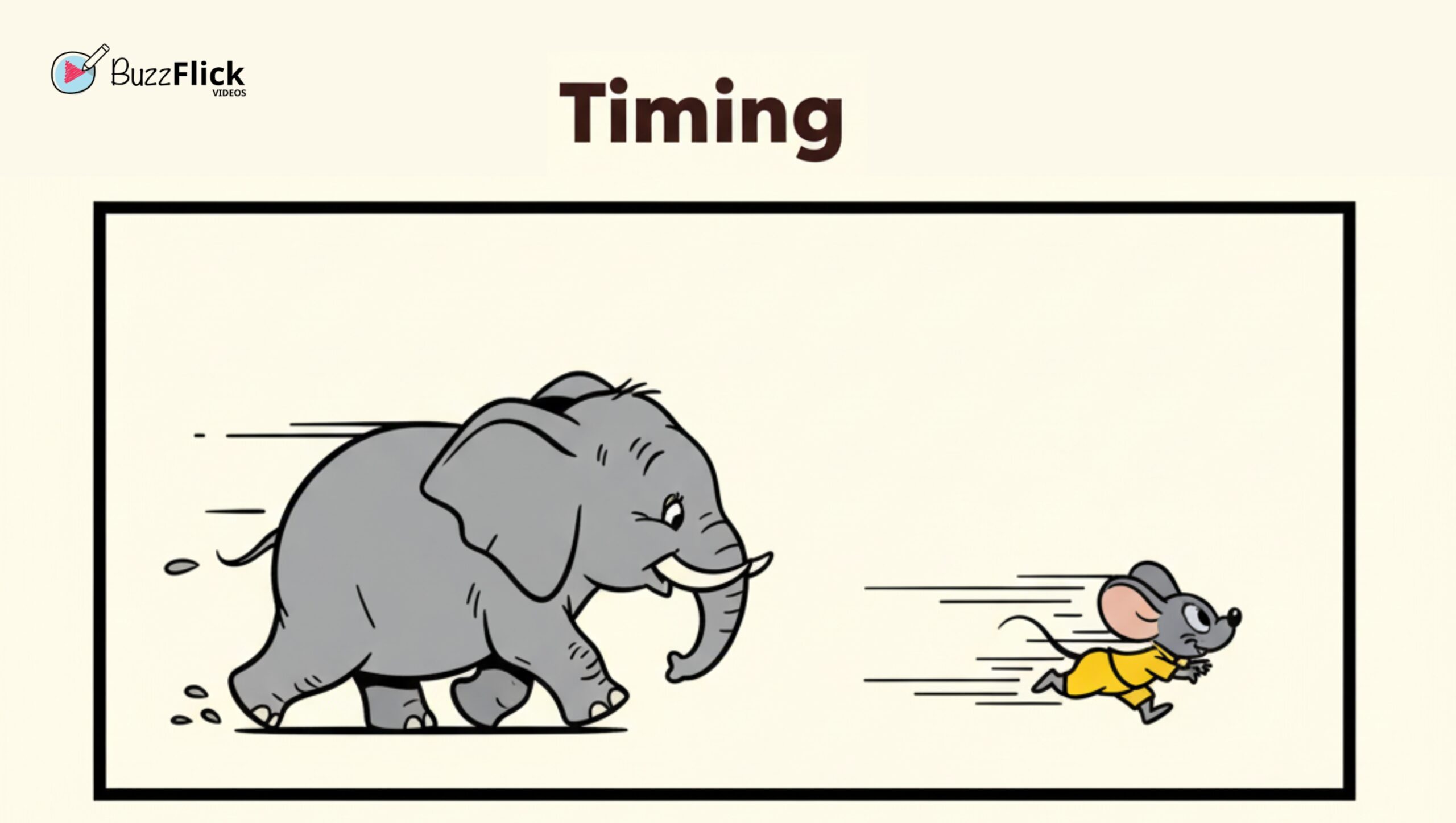
The Vibe: It is not about what you draw; it is about how long it takes.
The Quick Take: Timing is the number of frames used for an action. This is one of the most vital animation principles. If your character takes 2 frames to duck, it’s a quick, snappy reaction. If they take 20 frames, it’s a slow, painful effort. It defines weight, emotion, and realism.
Remember, the 12 principles of animation are useless without great timing!
| Best For | Watch Out For |
| Defining the weight of the character, scale (heavy vs. light), and the speed of their emotional reaction. | Using an improper frame count (for example, too many frames of animation for a quick sneeze, or too few frames of animation for a big lift). |
Example: The difference in pacing in animation between a huge character that moves slowly, to that of a tiny character that zips across the screen (see the elephants in Dumbo).
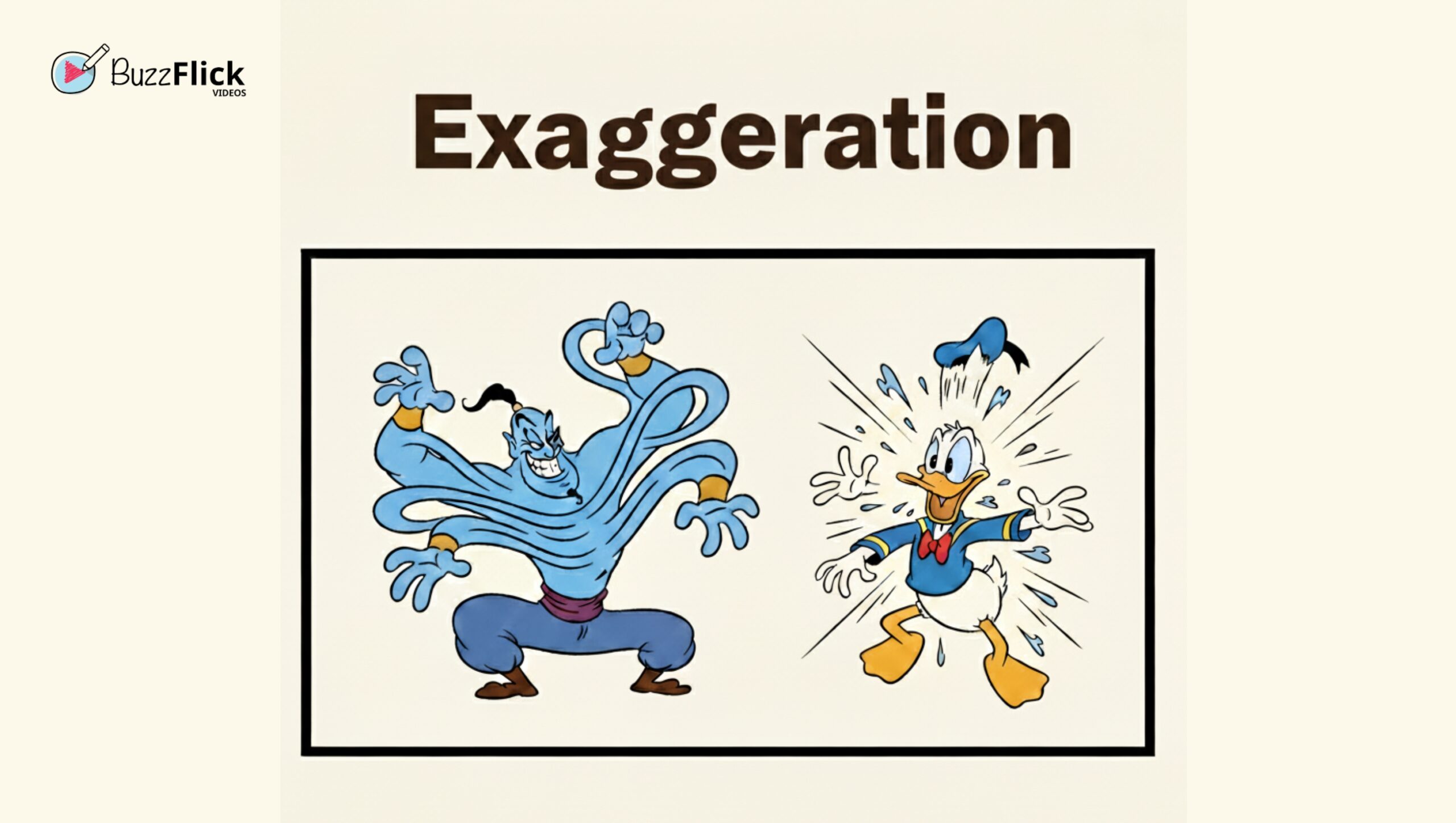
The Vibe: Make it loud!
The Quick Take: Don’t be timid. Push the action past what’s realistic to give it impact. If a character is angry, their eyes should bug out, and they should turn bright red. If they are running, they should stretch out like a speed blur.
Exaggeration prevents your scene from looking flat or boring. It’s what makes animation animation.
| Best For | Watch Out For |
| Heightening comedy, emphasizing a powerful action, or ensuring a subtle emotion is clearly seen by the audience. | Overstating without grounds in reality (e.g., exhibiting a jaw drop for slight confusion instead of an actual shock) becomes deflating to the character. |
Example: The exaggerated, elastic actions of the Genie in Aladdin or the frenzied and exaggerated responses from Donald Duck.
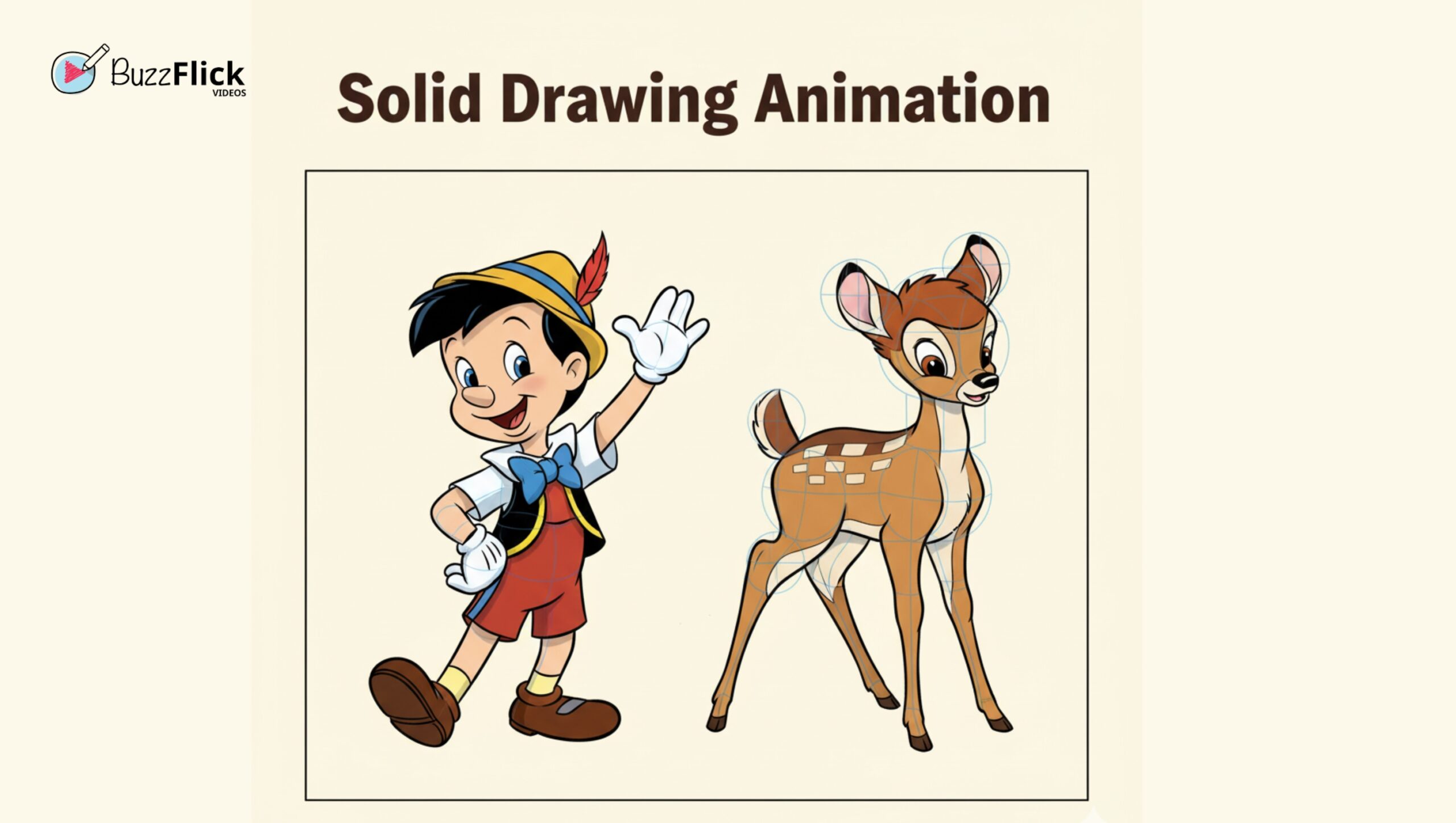
The Vibe: Your character must feel 3D.
The Quick Take: The goal of solid drawing animation is to render your character as a convincing, three-dimensional form that has weight, volume, and balance. This requires understanding perspective, structure, and anatomy. Even in 2D animation, you must draw through your character.
Pro Tip: The Structure Check. Every few frames, mentally check your character’s volume. Draw your character as simple spheres and cubes first to ensure the core mass is consistent. This is a tough but essential part of all animation principles.
| Best For | Watch Out For |
| Ensuring your character maintains consistent volume, weight, and perspective across every shot. | Creating “Twins” (perfectly symmetrical poses) or allowing the character’s volume to arbitrarily shrink or grow. |
Example: The consistent, believable form of characters like Pinocchio or Bambi, who maintain their volume and structure despite complex movement.
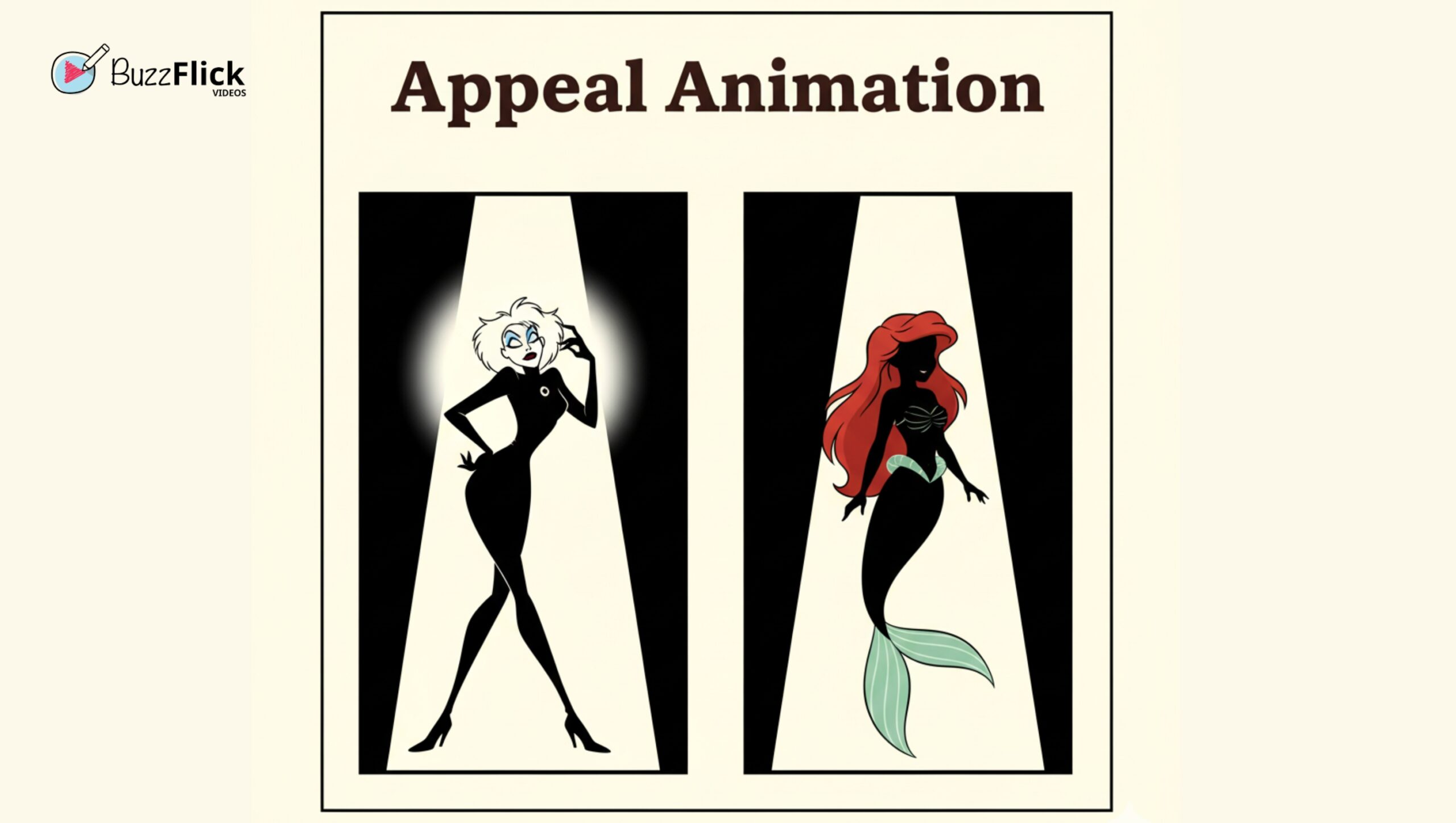
The Vibe: Make ’em magnetic.
The Quick Take: Appeal, in animation studios, is the charisma, charm, or captivating nature of your character, be it of a hero or villain. They need to be interesting enough that the audience wants to keep watching them.
This is one of the most underrated 12 principles of animation. Heroes often have clear, simple designs. Villains need unique, distinct features (like a massive scar or a dramatic silhouette).
Pro Tip: Silhouette Test. Can you recognize your character and understand their mood based on their solid black silhouette alone? If yes, you’ve nailed the basics of appeal animation.
| Best For | Watch Out For |
| Giving your character a distinct, memorable look that viewers want to follow (regardless of whether they are good or evil). | Creating a bland, forgettable design or failing the silhouette test. The character’s core shape must be captivating. |
Example: Examples: The extremely recognizable and distinct silhouettes of Cruella De Vil (101 Dalmatians) or Ariel (The Little Mermaid).
Let’s be real: most animation today happens on a screen, not on a light table. But guess what? The 12 principles of animation weren’t retired with the pencil! They are more relevant than ever in the digital landscape of 3D animations.
Think of them as the DNA you inject into your software. Here’s how these 2D rules translate into your modern 3D and motion graphics workflow:
In 2D, this meant drawing perfectly. In 3D, this means Modeling and Rigging. If your 3D model doesn’t hold its volume or maintain a believable silhouette from all angles, you’ve got bad “Solid Drawing.”
This is crucial because poor rigging makes your characters look “rubbery” or broken when the camera moves around them.
Forget drawing extra frames! If you take any of the software like Maya, Blender, or After Effects, your best friend will be the Graph Editor. Use that on your next motion graphics to manipulate the spline curves of your keyframes.
This allows you to precisely control the acceleration and deceleration curve (the “ease”), which is what gives your motion that buttery-smooth, realistic feel, instantly adding weight and quality to any object.
Your control over duration is all about Keyframe Placement on the Timeline.
Want a snappy, fast action? Place your keys close together.
Want a heavy, deliberate, or slow action? Spread those keys out!
This is how you instantly define the weight, speed, and emotional impact of every movement without having to worry about drawing a single in-between frame.
Your character’s charisma and the scene’s clarity now rely heavily on Lighting, Texture, and Camera Work. You ensure “Staging” is clear by using good contrast and composition, and you enhance “Appeal” by making sure the camera angle and lighting truly sell your character’s magnetic design and their pose.
You’ve mastered the 12 principles of animation—the physics and soul of every great animated performance. But translating that knowledge from theory to high-quality, final video frames? That’s where the next challenge lies: execution speed and production quality.
At BuzzFlick, we take the creative energy you put into mastering the principles of animation and supercharge it for production. We blend the timeless craft of solid drawing animation and powerful storytelling with a production pipeline built for today’s speed. We understand the power of every frame, every arc, and every instance of follow through and overlapping action.
No more slow renders, no more waiting forever for fixes, no more boring stiff edits. What this means is that you will not need to wait a minimum of a week to see your animation move from the drawing going through revisions, to the final frames. Just show your idea in a rough, and it’s going to go from concept to final frames in seconds, as if it were do-it-yourself but with BuzzFlick’s renowned on-the-studio craft and lively storytelling.
By focusing purely on mastering the art and delivering it efficiently, your animated stories will speak directly to your audience and buzz with creativity.
The twelve principles of animation are the initial rules for motives for creating arguably realistic and appealing movement. They were finalized by famous Disney animators Ollie Johnston and Frank Thomas for their 1981 publication The Illusion of Life: Disney Animation.
The twelve principles of animation are fundamental because they teach how movement works practically and emotionally, which informs our understanding of contemporary 3D, CGI, and motion graphics. They are the foundations of universal principles for a believable character performance.
Take, for example, a ball bouncing. It squashes (flattens and widens) on impact with the ground, to show both impact and weight, and stretches (narrows and lengthens) when it moves through the easy and air.
The anticipation animation principle sets the scene for the main action. This principle gives the main action a heavier placement, meaning action feels *deliberate*, and therefore, believable. For example, the villain character reads the reaction before throwing a punch, using anticipation.
They work together! Follow Through is when secondary parts (like hair or clothes) continue to move after the character stops. Overlapping Action is the different rates at which body parts move (the hips move, then the chest, then the head). Both prevent “dead stops.”
Solid drawing is the ability to “draw” a character in a three-dimensional representation that is weighted, has volume, and balance. It is difficult to do because it requires a foundational understanding of perspective and anatomy as a character shifts around space to feel real and believable from any direction.
Timing is determined by the number of frames an action takes. Fewer frames mean faster, lighter action, while more frames mean slower, heavier action. It is one of the most essential animation principles.
Appeal animation means the character is interesting and engaging. With a villain, it does not mean “cute” but means distinct and unique designs that draw the viewer to its design in a more charismatic way and make them memorable as a character design, such as a strong silhouette and original facial features.

Chromebooks have grown from just for typing essays and watching skits to letting everyone test their creativity in their desired ways. Yes, those days are...
Read More
Get A Custom Quote Now


Copyright © Buzzflick 2026, All Rights Reserved.
Get Video Animation at Reasonable Prices at BuzzFlick! Get A Quote!