- Author: Hafsa Rasool
Date: Nov 5, 2025 - Category : 2D Animation, Animation Studios




Animation isn’t just about cartoons anymore; it’s the universal language of storytelling. From TikTok edits to brand ads, classroom presentations to startup pitch decks, the power of moving visuals is everywhere. If you’ve ever caught yourself hooked to a 30-second animated reel, you know the magic already.
The good news? You don’t have to be a Pixar pro to create something attention-grabbing. With free animation websites, any student creating school projects, entrepreneurs establishing their brand, or anyone in between can turn ideas into reality with a few clicks. These sites eliminate the complex coding or costly software downloads and provide you with robust, browser-based tools that are easy to use but produce pro-level results.
And let’s face it: everyone loves free stuff. Whether you’re hunting for an animation maker free tool for doodles or searching for a free online animation maker to elevate your next presentation, the options are endless.
But not all animation websites free tools are created equal. Some shine with easy drag-and-drop editors, while others focus on advanced features like motion graphics or character rigging.
That’s why we’ve put together a list of the Top 10 free animation websites to try . Each one is broken down in detail, so you’ll know which fits your vibe, whether you’re a hobbyist, student, educator, or a budding creator. Let’s dive into the list and explore what makes these websites the game-changers of the year.
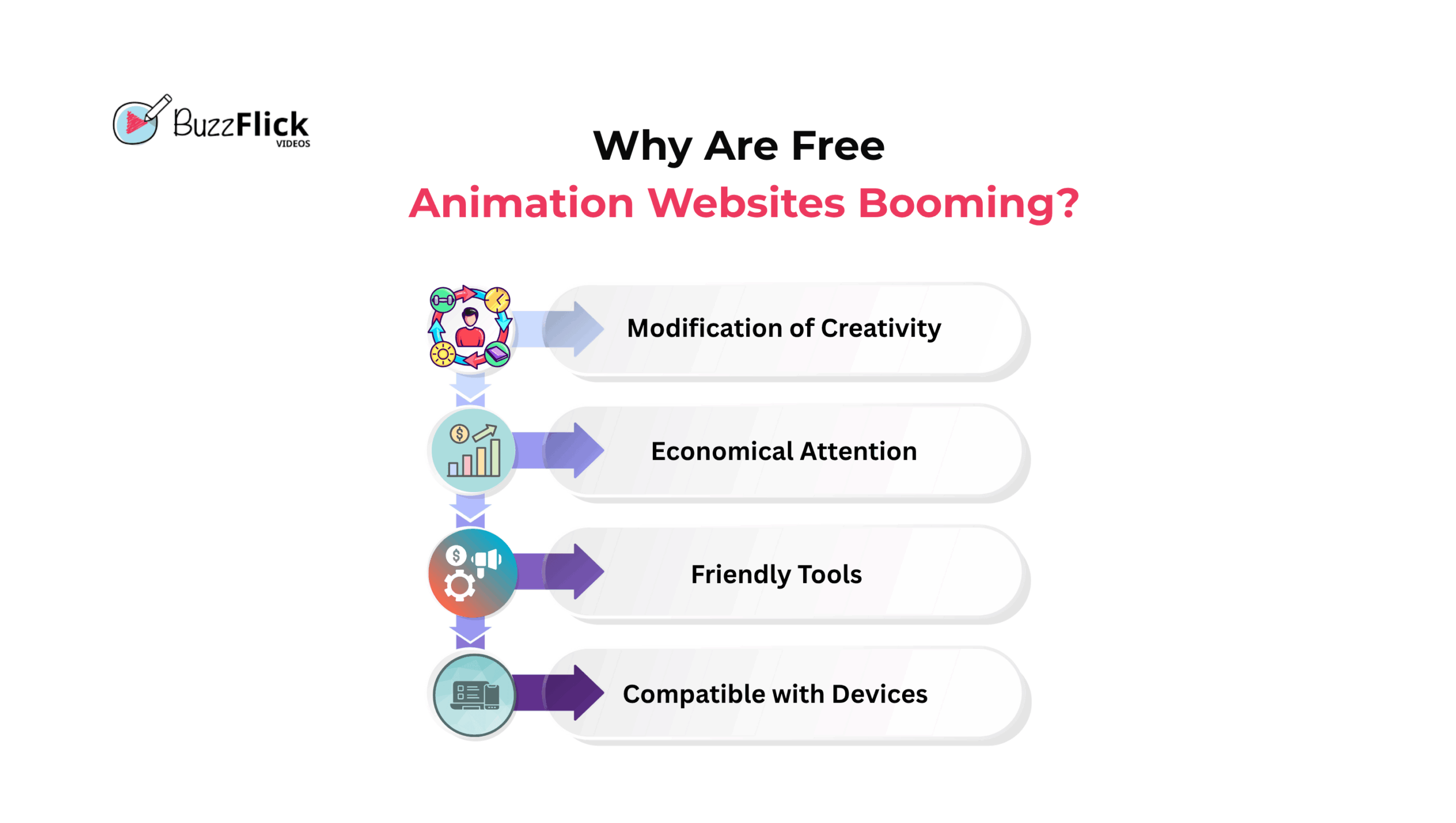
Previously, animation was reserved for high prices, technical terms, and years of technical schooling. But it all changed with the emergence of free animation maker software that made it accessible to all children, students, educators, entrepreneurs, and influencers. Today, anyone can produce an animation within minutes without laying their hands on complex code or shelling out hundreds of dollars.
We are in the age of short attention spans. Brands, teachers, and influencers alike are all competing to provide bite-sized information that is engaging. Animated videos hit all the marks—they’re brief, colorful, and full of movement. That’s why free internet animation process maker tools have become the foundation of today’s digital content.
Why invest heavily in advertising when you can produce your own animated videos for free? Companies are turning significantly towards free animation website free solutions to produce explainer videos, product demonstrations, and customer onboarding guides without having to hire full production crews.
Another explanation for their popularity? They’re cloud-based. You don’t require a gaming PC worth thousands of dollars. Simply log in with your laptop, Chromebook, or even tablet, and you can begin animating.
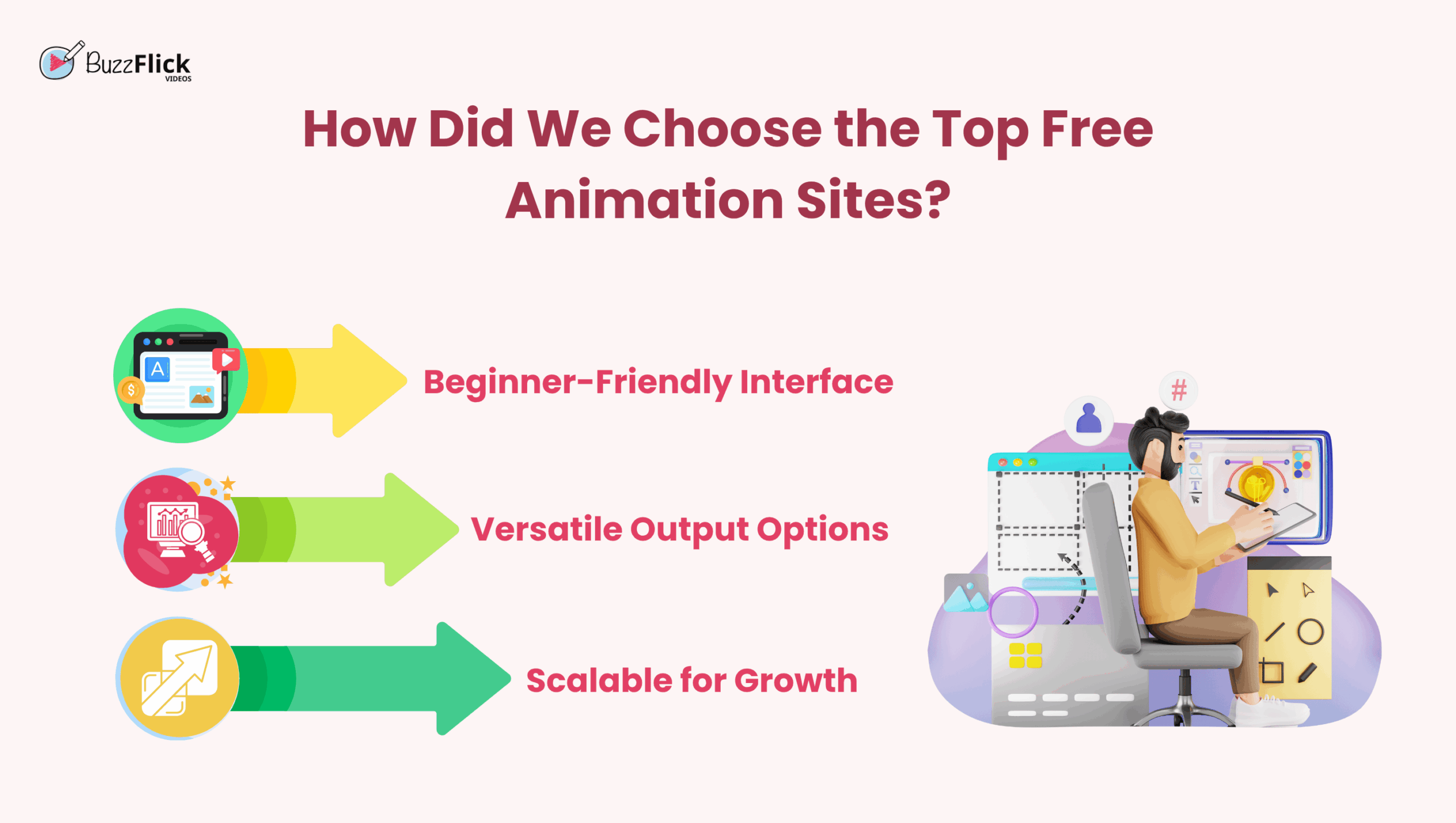
When we selected the top 10 free animation sites, we didn’t randomly choose names. We tested them on strict parameters:
These criteria made sure we only included websites that truly empower users, not hinder them. That being said, here is a comparison table that will help you decide the best free animation site for yourself.
| Website | Best For | Strengths | Complexity |
| Animaker | Beginners & marketers | Templates, character builder | Easy |
| Powtoon | Education & business | Slide deck animations | Easy |
| Vyond | Professional projects | Character rigging | Medium |
| Renderforest | Branding & animation | Logo + video tools | Easy |
| Biteable | Social media content | Stock library + branding | Easy |
| Moovly | Education & marketing | AI voiceovers | Medium |
| Toonly | Cartoon explainers | Pre-made motions | Easy |
| Canva | Social media & design | Design + animation | Easy |
| Blender | Pro-level creators | 3D modeling & rigging | Advanced |
| Pencil2D | Artists & students | Frame-by-frame drawing | Easy |
Looking to level up your creativity without spending a dime? Here are the top 10 free animation websites that make it easy to design, animate, and share stunning visuals perfect for students, creators, and businesses alike.
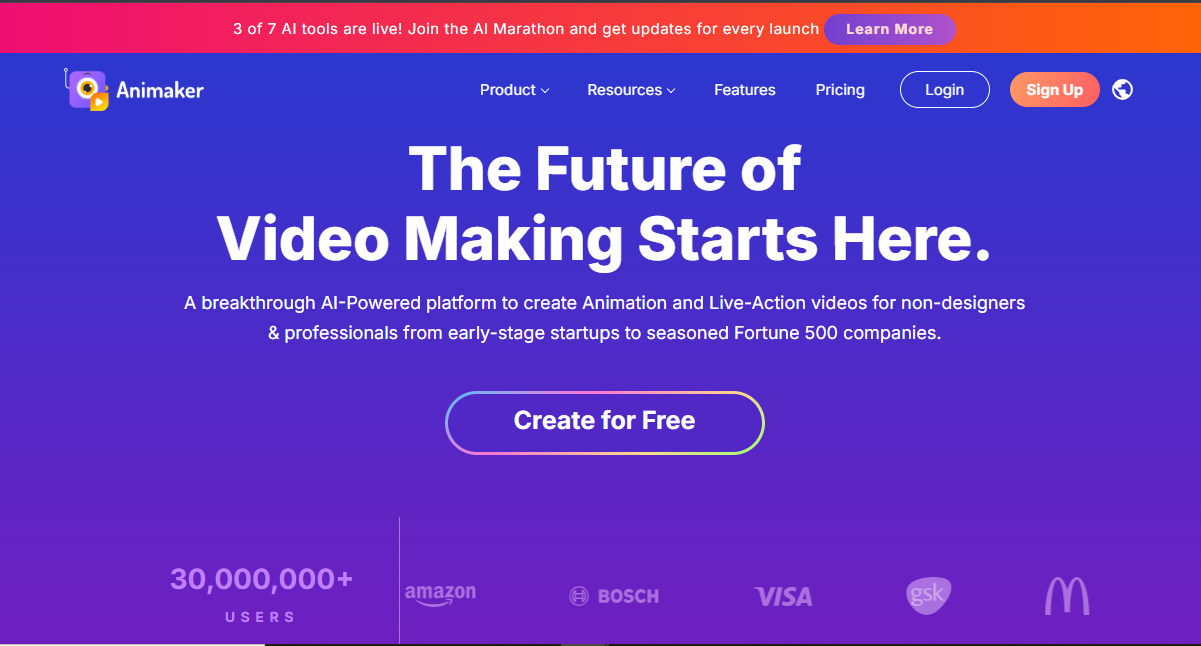
If you’re getting your toes wet with animation, Animaker is a dream come true. Universally considered one of the easiest free animation websites out there, it gets simplicity right alongside robust capabilities.
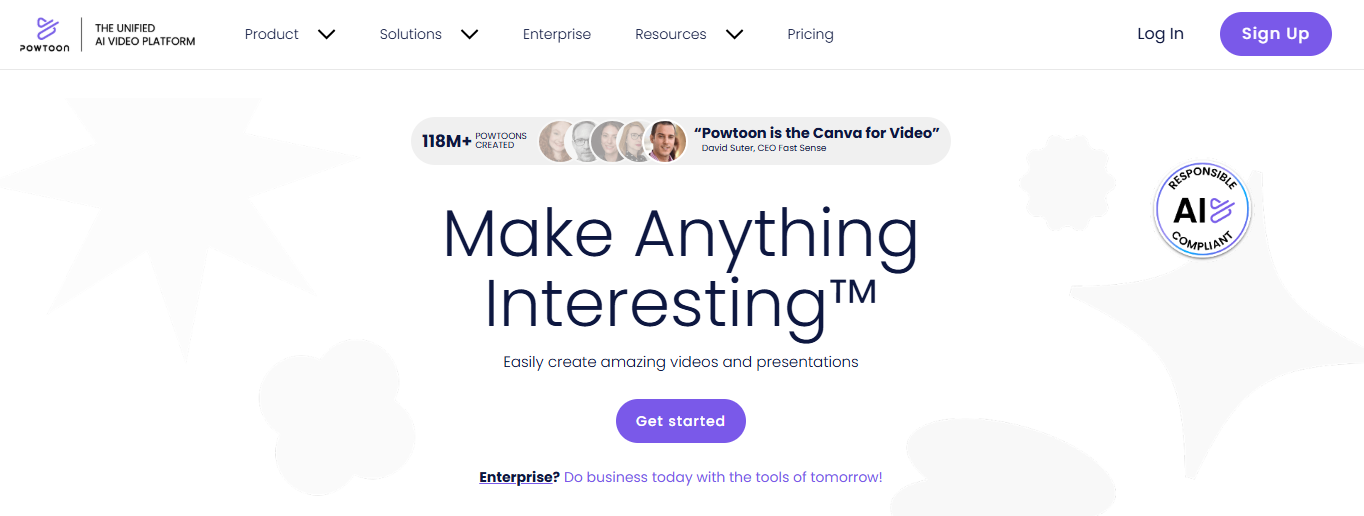
Powtoon is a very popular tool that turns uninteresting slide presentations into fun animated videos. Rather than show dull, static slides, it enables users to produce interesting animations that engage. This makes it particularly popular with teachers, educators, business professionals, and even startups that require interesting pitch videos.
Powtoon is more than a free animation maker; it’s a storytelling platform that allows you to turn plain ideas into high-quality visuals.
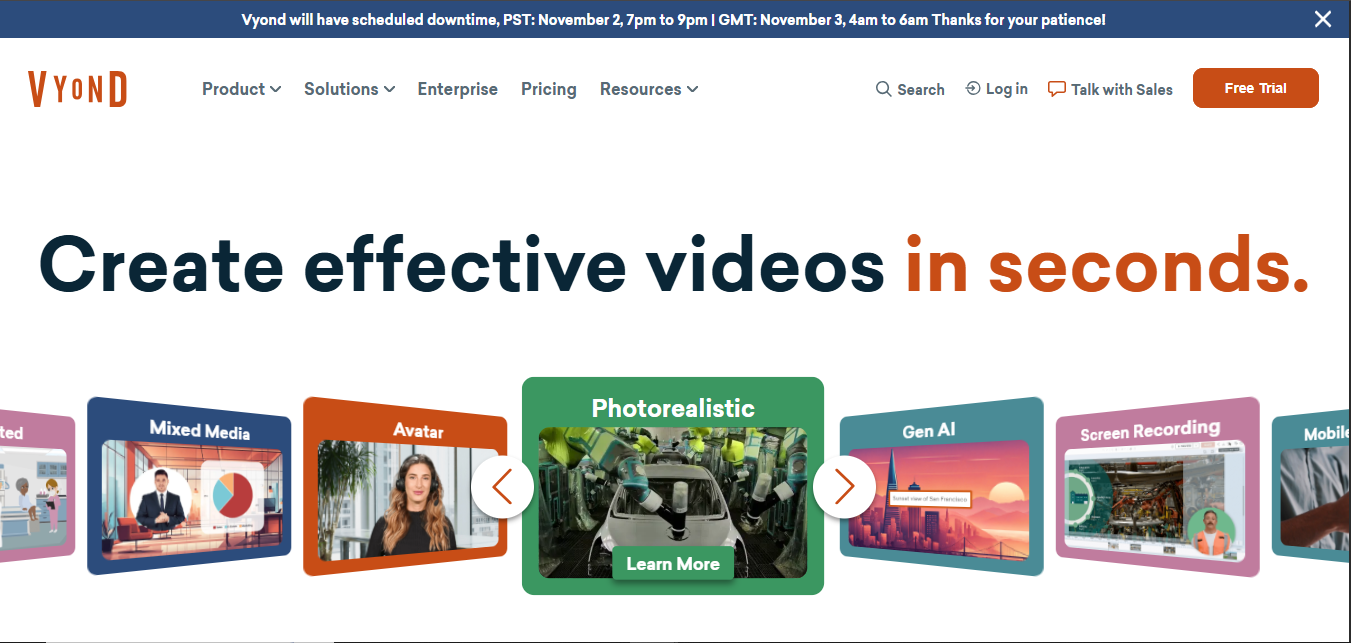
Vyond is sometimes referred to as a “corporate animation software,” but its free online animation maker trial shows it’s a great resource for whoever wishes to have pro-quality storytelling. For explainer videos and pitch decks, Vyond empowers users to create character-driven animations with a professional look.
Vyond excels with its capability to create realistic animated characters with smooth rigging, making videos more immersive and impactful.
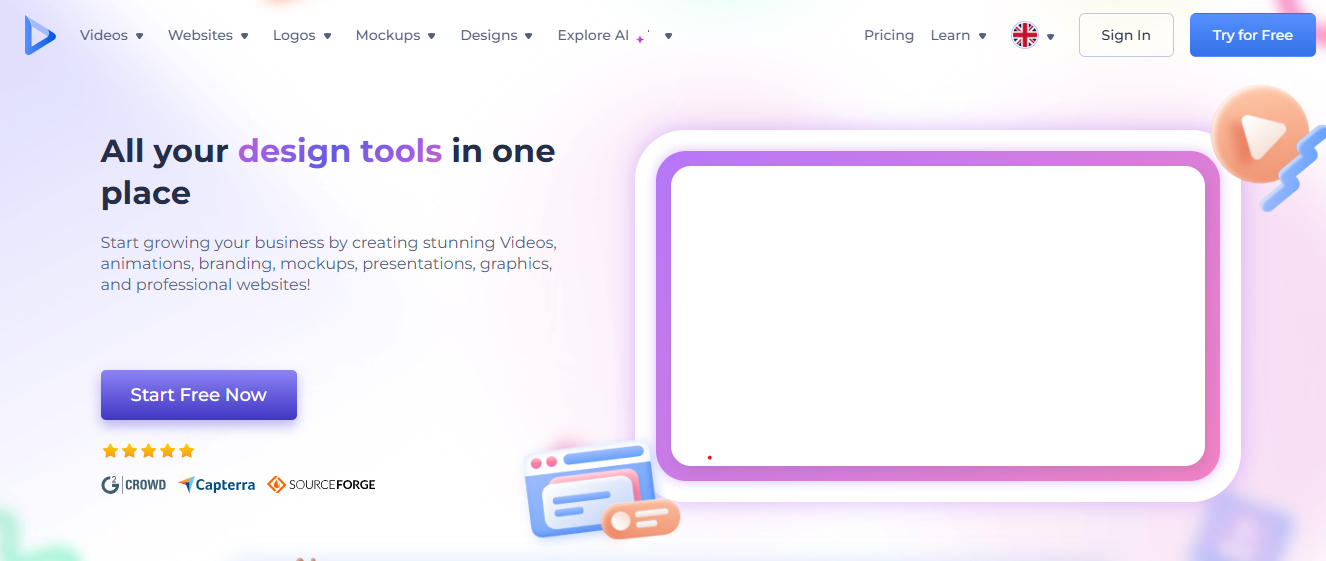
Renderforest is more than an animation software—it’s a complete creative kit. In addition to being one of the favorite free animation websites, it provides branding resources, logos, and video-making capabilities in one interface.
Renderforest is ideal for small businesses and startups that need both animation and branding features without having to use multiple platforms.
Biteable is fast, easy, and customizable. Users can create animated videos in no time without needing any experience. It is a favorite among social media managers and marketing groups for rapid turnaround projects.
If you’re looking for a light, fast animation maker free program for basic yet impactful visuals, Biteable is the way to go.
Moovly doesn’t always shine, but it’s one of the most capable free animation sites around today. It allows you to mix animations with live footage and includes special AI-driven features.
Moovly is unique for its capability to merge video recording with animated components—something not provided on all free sites.
Toonly is perfect for cartoon-style storytelling enthusiasts. It’s easy, entertaining, and doesn’t need any technical expertise.
If your priority is cartoon-based explainer videos or fun ads, then Toonly provides everything you require under one roof.
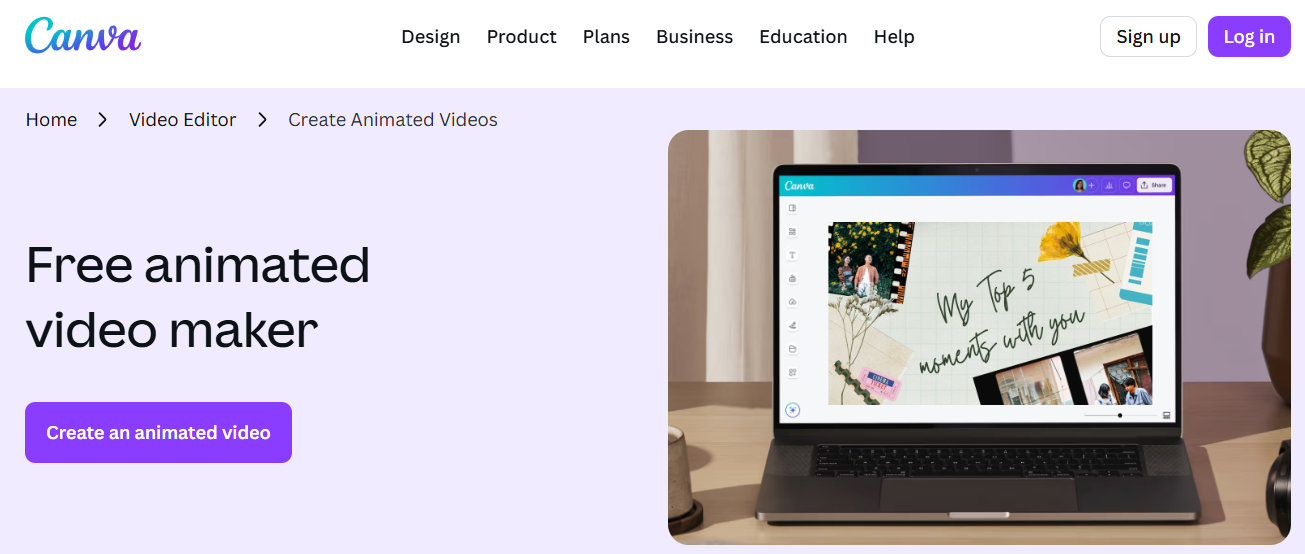
Canva has become the favorite design software of millions, and with its animation functions, it works as a free online animation creator too. Social media designers particularly find its fast animation templates very useful.
Canva is perfect for anyone who has to design and animate content within a single platform without having to work with different tools.
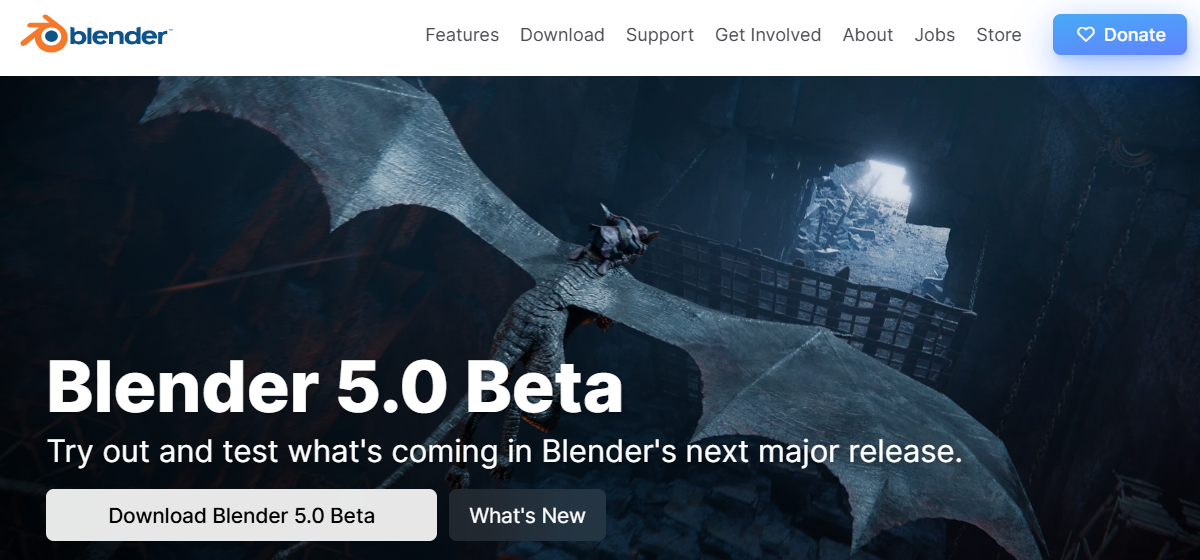
Blender is the animation powerhouse—completely free but professional-grade. It’s used extensively in film, gaming, and 3D design, which makes it one of the best free animation websites out there.
Blender is ideal for professionals, hobbyists, and students who wish to experiment deeply in 3D animation without investing in costly software.
Pencil2D is a light-weight open-source animation software for traditional, frame-by-frame animation. It’s ideal for artists and students who want to stick with the age-old hand-drawn method.
Pencil2D offers artists an opportunity to experiment with traditional art methods without having to use heavy or complicated software.
Free tools are great for beginners. But when you want high-quality, brand-aligned animations that really impress your audience, you need a professional hand. That’s where BuzzFlick comes in.
As a full-service animation studio, BuzzFlick provides:
We don’t make animations, we make experiences. With a talented group of designers and animators, BuzzFlick not only makes your content look amazing, but it also gets to your audience in a meaningful way.
So, whereas free animation sites provide you with the tools, BuzzFlick provides you with the impact.
Yes, animation is as good a career as it was in. Because of gaming, film, commercial, and internet demand, skilled animators get hired in every sector around the world.
Few of the best free animation websites in include Animaker, Powtoon, Blender, and Canva Animation. Each provides different requirements—ranging from simple social media posts to intricate 3D jobs.
The easiest free animation makers are Biteable and Powtoon. They offer drag-and-drop functionalities through which beginners can create animations in a matter of minutes.
Yes, you can make money by creating YouTube videos, freelance projects, or advertisement videos. Even though free software may have watermarks, there may be more professional ones with an upgrade.
2D animation is two-dimensional and flat-drawn, which is usually employed in cartoons and explainer videos. 3D animation brings about depth so that characters and objects look real and lifelike.
Chromebooks have grown from just for typing essays and watching skits to letting everyone test their creativity in their desired ways. Yes, those days are...
Read More
Get A Custom Quote Now


Copyright © Buzzflick 2026, All Rights Reserved.
Get Video Animation at Reasonable Prices at BuzzFlick! Get A Quote!